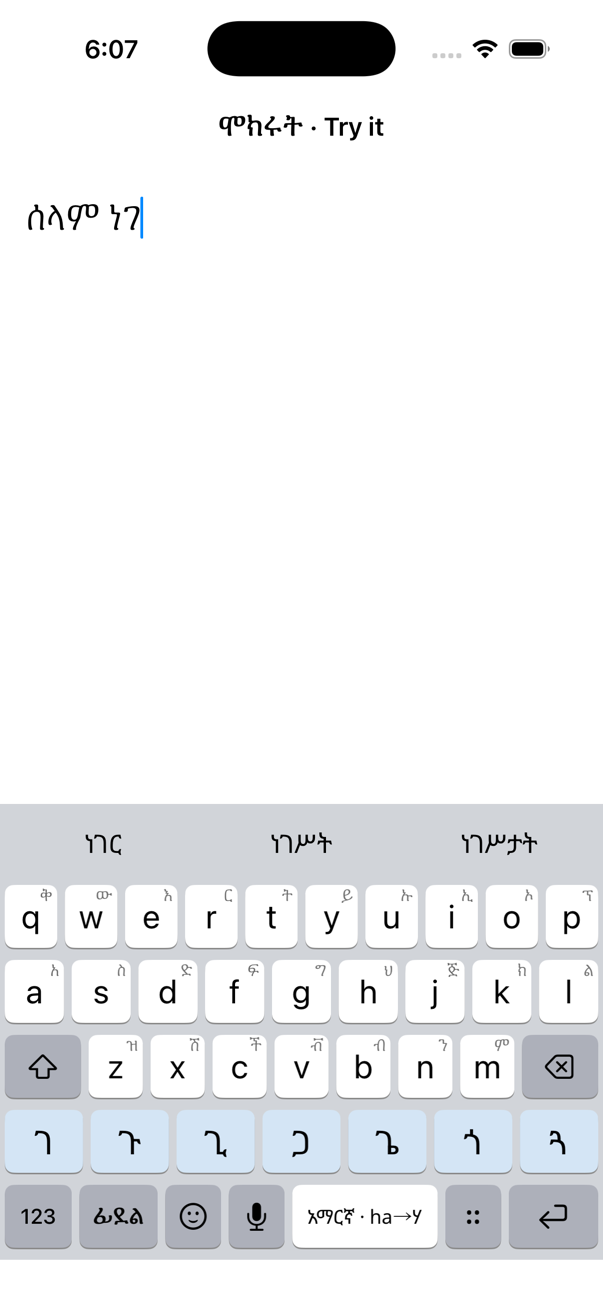
Type it as it sounds
selam becomes ሰላም on space. GFF, SERA and Power Geez spellings all work, so your habits do too.
ityopya → ኢትዮጵያ

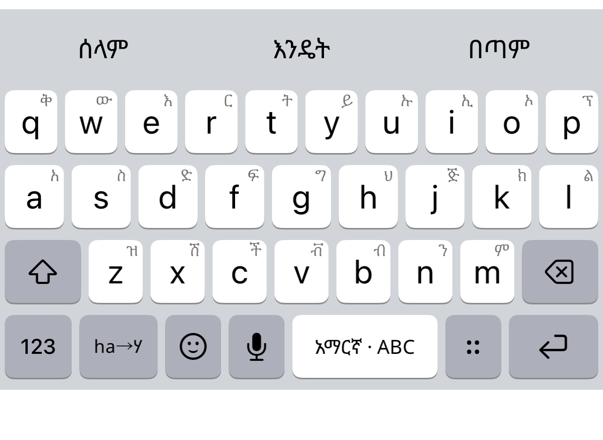
selam → ሰላም። ha → ሃ። ሰላም፣ ጤና ይስጥልኝ።
A keyboard built for ፊደል: type it phonetically, watch letters turn into fidel as you go, draw them, or just say them. Prediction and autocorrect that understand syllables. And nothing you type ever leaves your phone.
Switch with one key. Every mode shares the same dictionary, prediction and autocorrect.
selam becomes ሰላም on space. GFF, SERA and Power Geez spellings all work, so your habits do too.
ityopya → ኢትዮጵያ
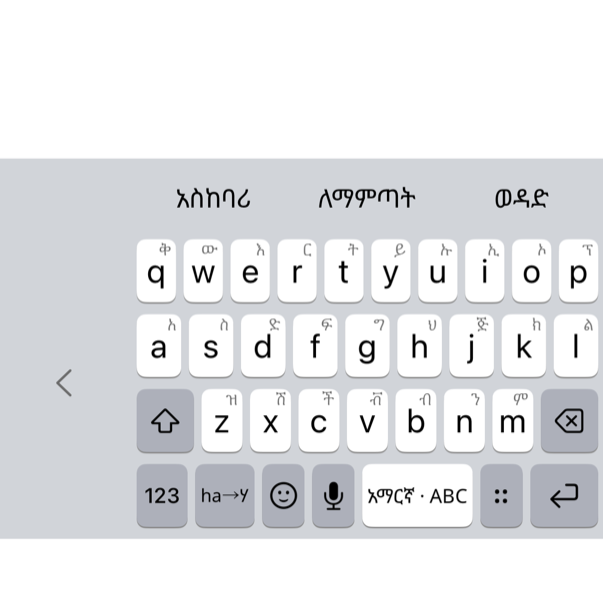
h gives ህ, add a and it turns into ሃ. The row above the keys offers the seven orders of the syllable you just typed.
ha → ሃ · hu → ሁ · hi → ሂ

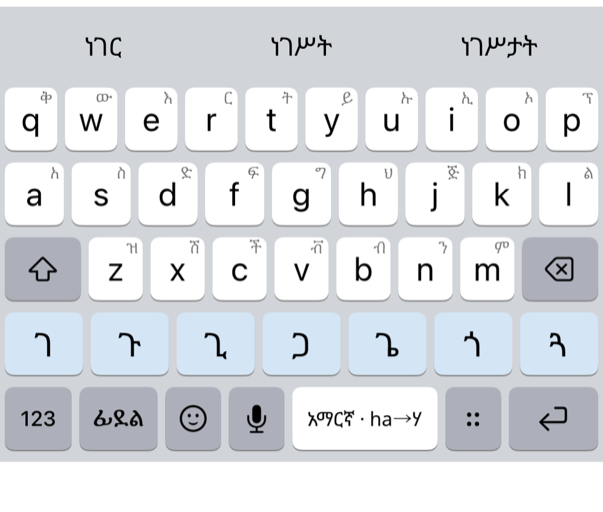
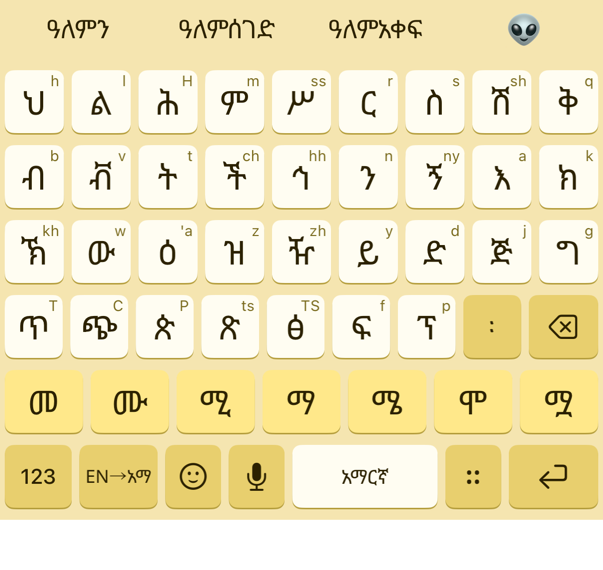
All the base letters at once. Hold a key for its orders, flick for the common ones, with completions above.
ሀ ለ ሐ መ ሠ ረ ሰ ሸ ቀ

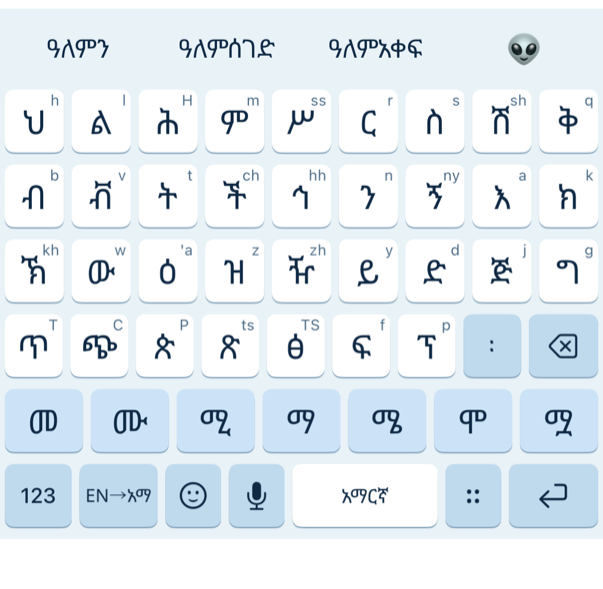
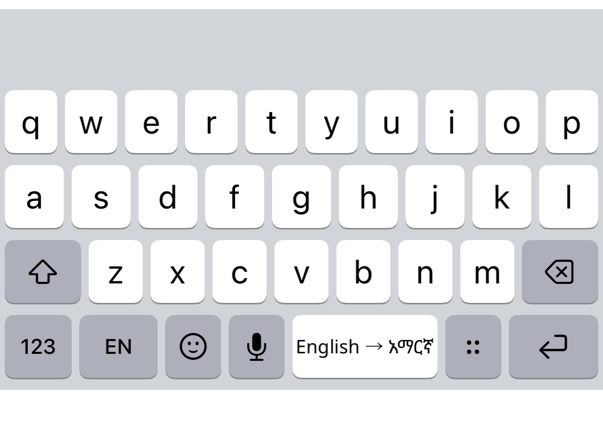
Type an English word and get the Amharic one on space. Handy when the word is on the tip of your tongue.
coffee → ቡና · thank you → አመሰግናለሁ

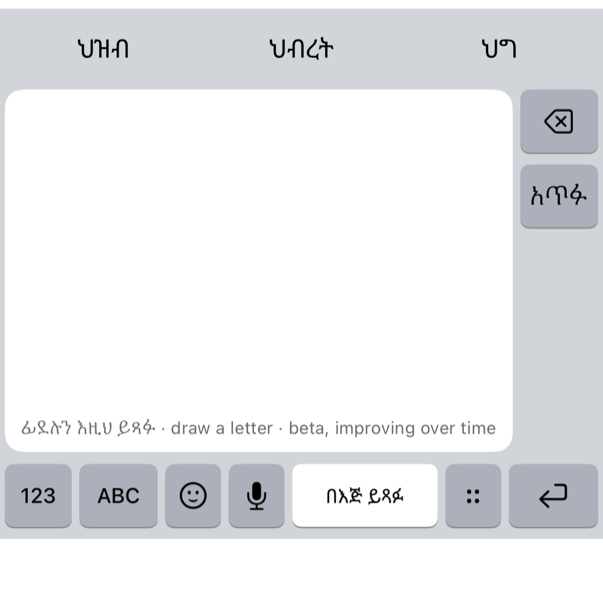
Sketch a fidel with your finger and pick it from the suggestions. New, and improving with every update.
✍ → ሰ

Tap the mic, speak Amharic or Tigrinya, and the words appear as you talk, then land in the app you were typing in.
🎙 → ሰላም ዛሬ አዲስ አበባ…
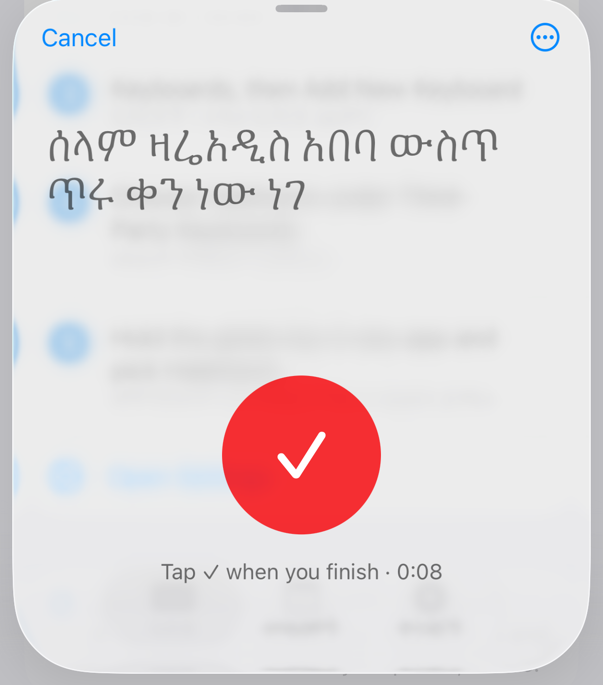
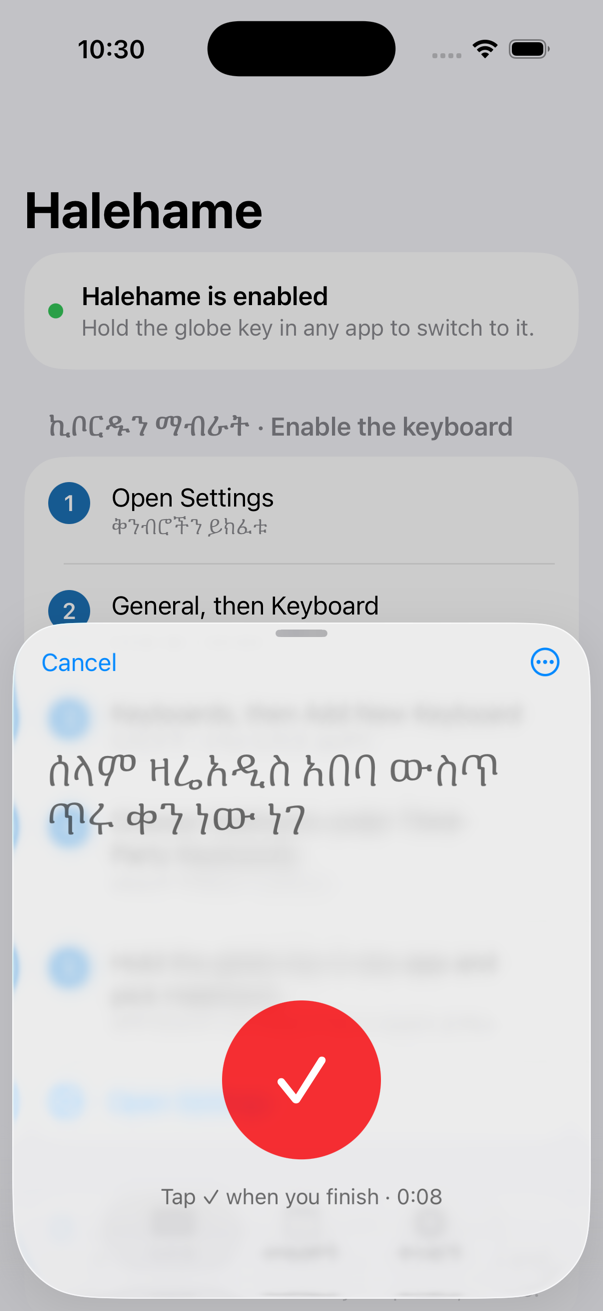
Amharic and Tigrinya dictation that keeps up with you. Words appear while you are still talking, with ። and ፣ where your voice puts them.
Subscription with a 7-day free trial. 120 minutes a month, which is a lot of talking.
Most keyboards treat ፊደል as a pile of symbols. Halehame knows that ሰ, ሱ and ሲ are one family, and works the way the language does.
Word lists for Amharic and Tigrinya, next-word prediction, and a dictionary that learns your words.
Ethiopian and Eritrean punctuation and word lists, with the ቐ family on the keys.
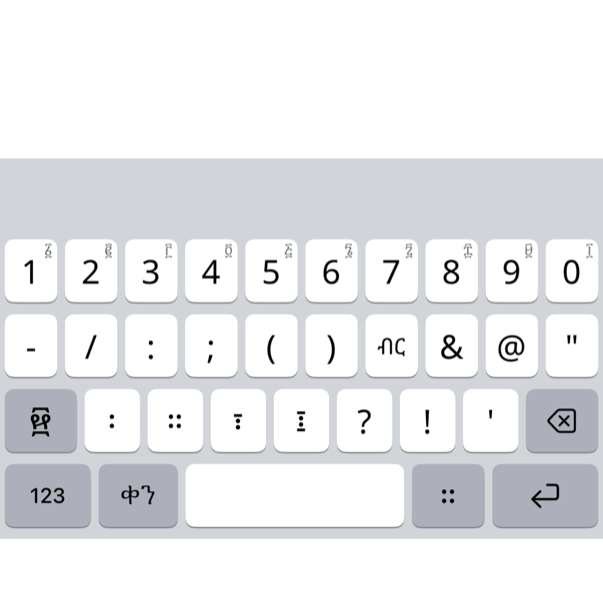
Hold any digit for ፩ ፪ ፫. The ። ፣ ፤ ፥ ፦ keys are right where you need them.
Convert dates, see the holidays, and insert today's Ethiopian date with one key.
Halehame never asks for Full Access and the keyboard has no network code at all. Your messages, your passwords, the words it learns from you: all on your device.
The switch iOS warns you about is never requested.
On a plane or in the countryside, every mode except dictation works the same.
Built on open word lists and fonts, with every license in the app.
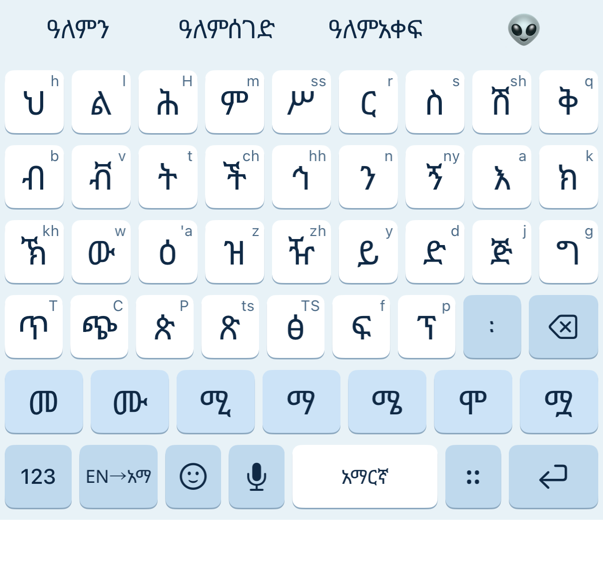
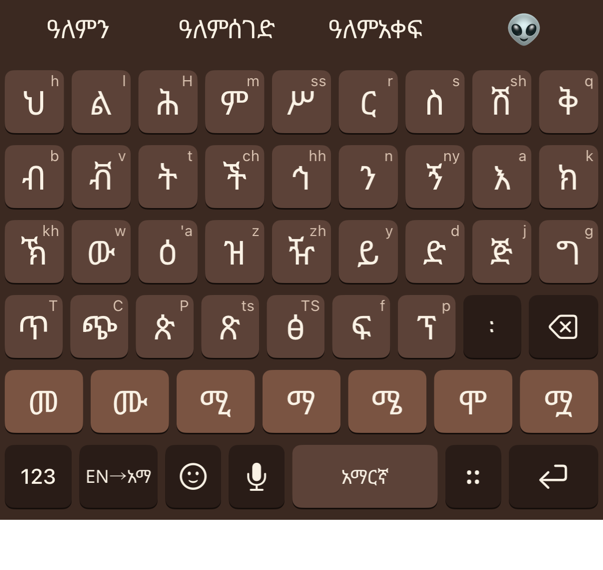
Themes named after the holidays, Ethiopic typefaces for the keys, a one-handed layout, the calendar tools, and your learned words on every device. One purchase, no subscription.
Everything you need to type stays free, forever. Plus is paid once. Voice is the one feature that runs on a server, so it is the one subscription.
The whole keyboard.
Family Sharing included.
or $29.99 a year · 7-day free trial
Install Halehame, then go to Settings → General → Keyboard → Keyboards → Add New Keyboard → Halehame. Hold the globe key in any app to switch to it. The app walks you through it.
No, and it never asks. The keyboard has no network code. Only dictation, which runs in the Halehame app rather than the keyboard, uses a connection, and only while you speak.
Almost certainly. Phonetic mode accepts the GFF and SERA conventions and the Power Geez style, and it is tolerant of the variations people actually use. There is a full spelling guide in the app.
Tigrinya is a first-class language in Halehame, with its own word lists for prediction and autocorrect, the ቐ family on the keys, and a choice between the Ethiopian and Eritrean punctuation conventions.
Good enough to draft a message by voice and send it after a glance. It improves as the recognition models do, and Halehame checks spellings against its own dictionary. It is a draft to check, not a stenographer.
Any iPhone or iPad running iOS 17 or later.
Free on the App Store. Two minutes to set up.
Download on the App StoreNot on the App Store yet. Tell me when it's out.